How to check the TrustChain ledger yourself
Blocks every few seconds, Merkle roots, a seal by the ledger key and a daily checkpoint timestamped in Bitcoin. A short guide to checking it without trusting us.
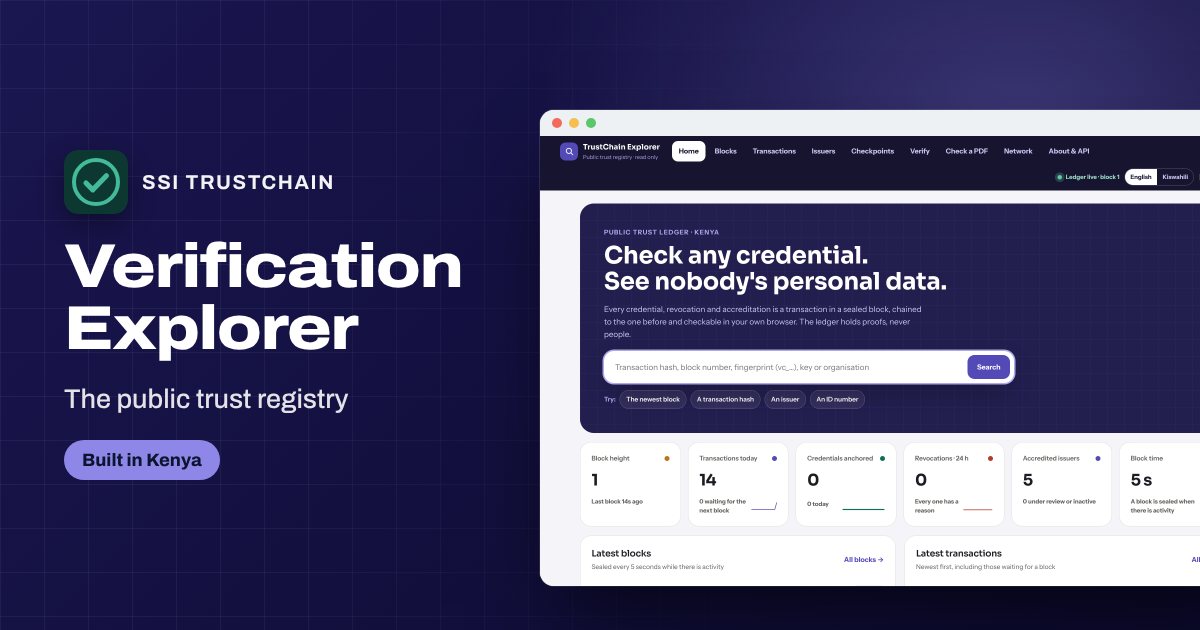
A public registry is only worth something if you can check it without taking anyone's word for it, ours included. Here is how.
Blocks
Every accreditation, credential fingerprint, revocation and document anchor is a transaction. Transactions wait at most five seconds for a block. Each block has a Merkle root of its transactions, the previous block's hash, and a seal by the ledger key, held in AWS KMS.
Change one transaction and its block's root changes; change a block and every block after it breaks.
Checkpoints in Bitcoin
Once a day the newest block hash is written to a checkpoint file and timestamped by independent OpenTimestamps calendars, which commit it into the Bitcoin blockchain. Rewriting history would mean changing Bitcoin too.
Checkpoints are listed on our checkpoints page and in the Explorer, with their proof files.
Check it
- Open the Explorer's Verify page: it checks the chain in your browser.
- Or download the snapshot and run the public checking script.
- For a checkpoint:
pip install opentimestamps-client, thenots verifyon the proof.
What it never holds
No page groups the ledger by person, and the ledger holds no names, ID numbers or dates of birth. It records that something was signed by an accredited institution, as fingerprints and events.