


Stop verifying the same people from scratch
Issue credentials your graduates, staff and customers carry anywhere, and check theirs in seconds, with a signed receipt for your auditors.
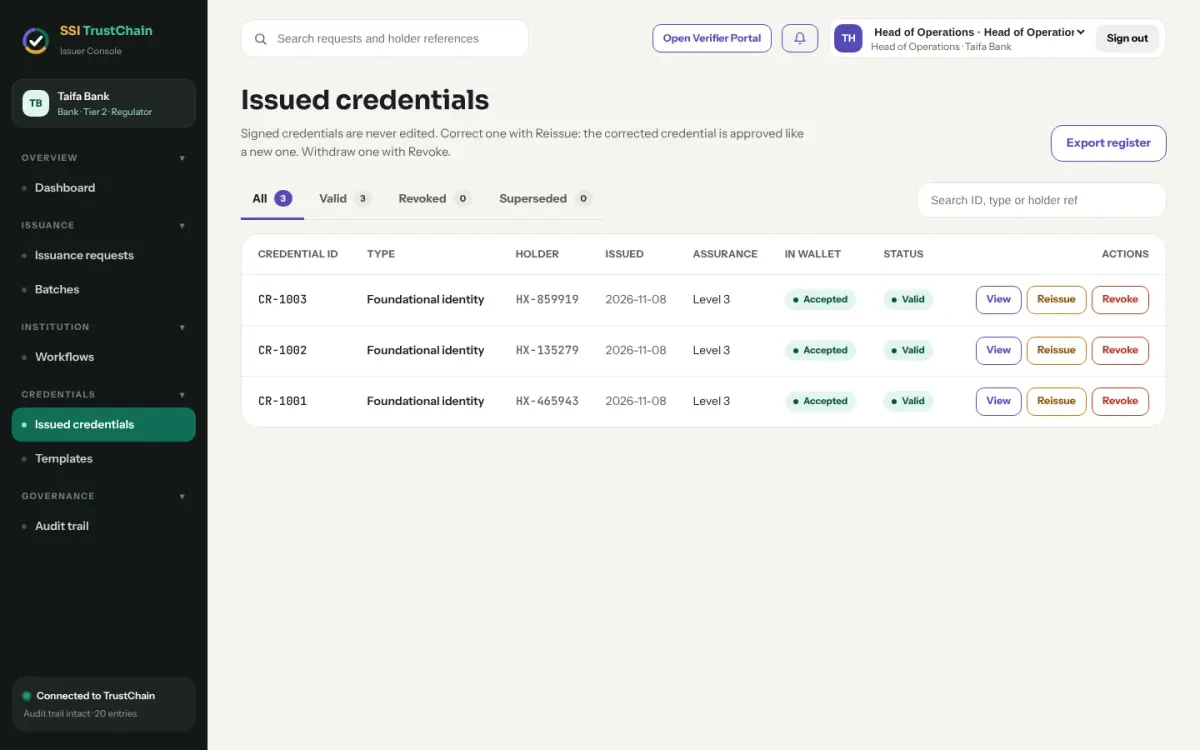
Issuer Console
For institutions that vouch for people
Approval paths
Decide who must approve each kind of credential, and in what order. High-stakes credentials need two different roles.
Journeys
Enrolment, yearly transcripts, then the degree, signed only when the whole chain is complete.
Sealed records
Your records are encrypted to your institution's own key in your staff browsers. TrustChain cannot open them.
Revoke and reissue
Correct a mistake without editing a signed credential. Every change has a reason in the audit trail.
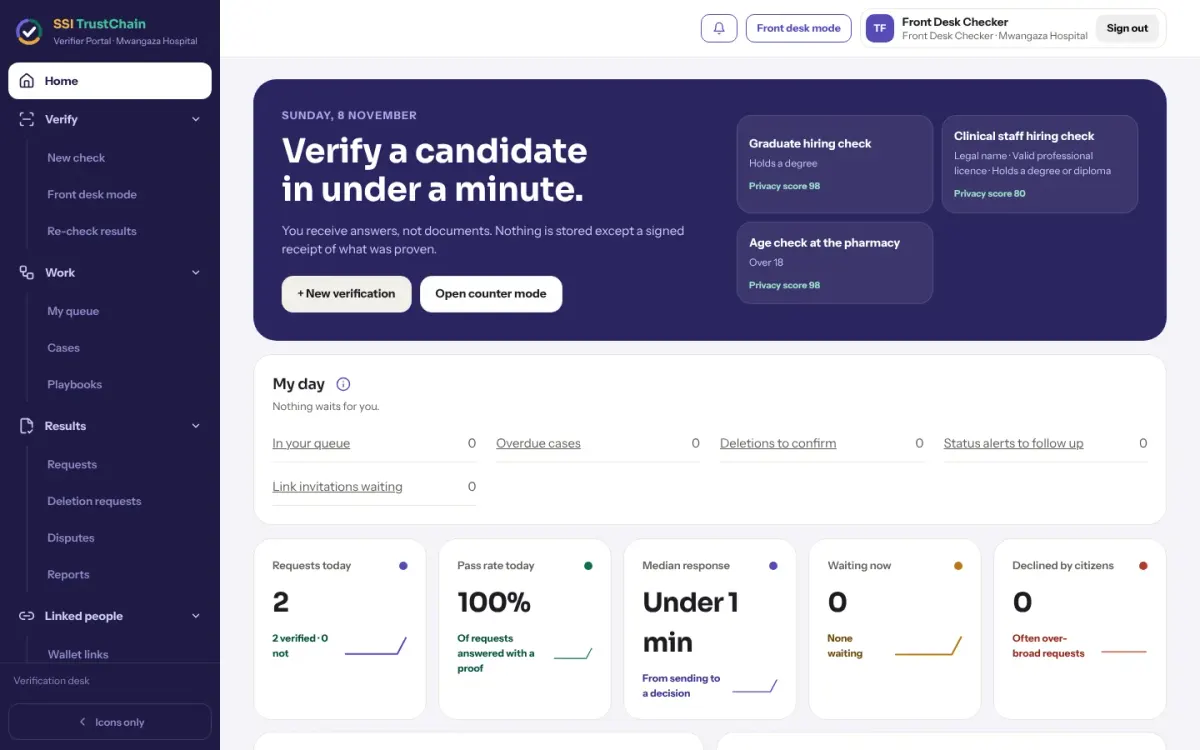
Verifier Portal
For organisations that need to know
Proof requests by QR code
Ask for exactly what you need. The person answers from their phone.
Private proofs first
Prefer a yes or no over documents. Less data held means less to protect.
Signed receipts
Every decision is recorded with the checks behind it, ready for compliance.
Desks, branches and kiosks
Counter mode for front desks, cases for longer checks, and reports in counts.
Joining
How an organisation joins
Accreditation is a two-person decision, and it is public.
- 1
Apply
Tell us who you are, what you will issue or check, and the tier you apply for.
- 2
Vetting
Our compliance team checks your registration, regulator letter and data protection registration.
- 3
Accreditation
One TrustChain person proposes your accreditation and another approves it. Your entry appears in the public registry.
- 4
Keys and team
Your signing keys are created in secure hardware, and your first administrator sets up your people and roles.
Start with one credential
Most institutions begin with the credential they are asked to confirm most often.