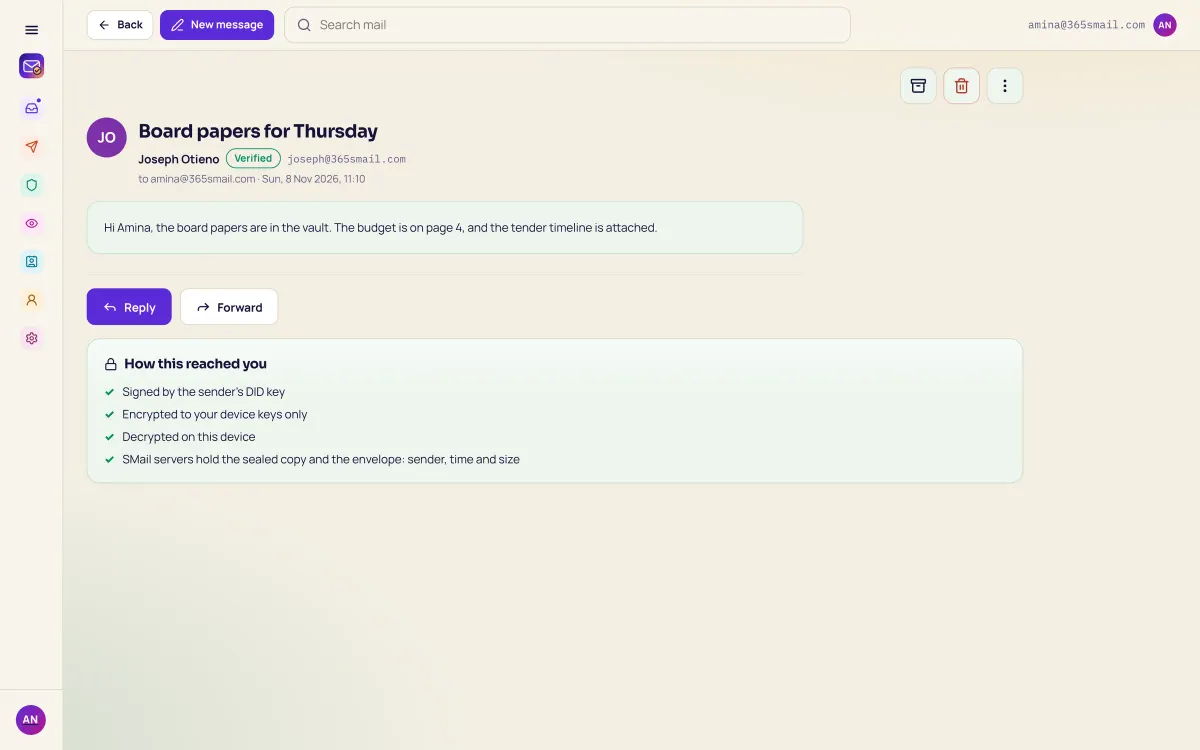
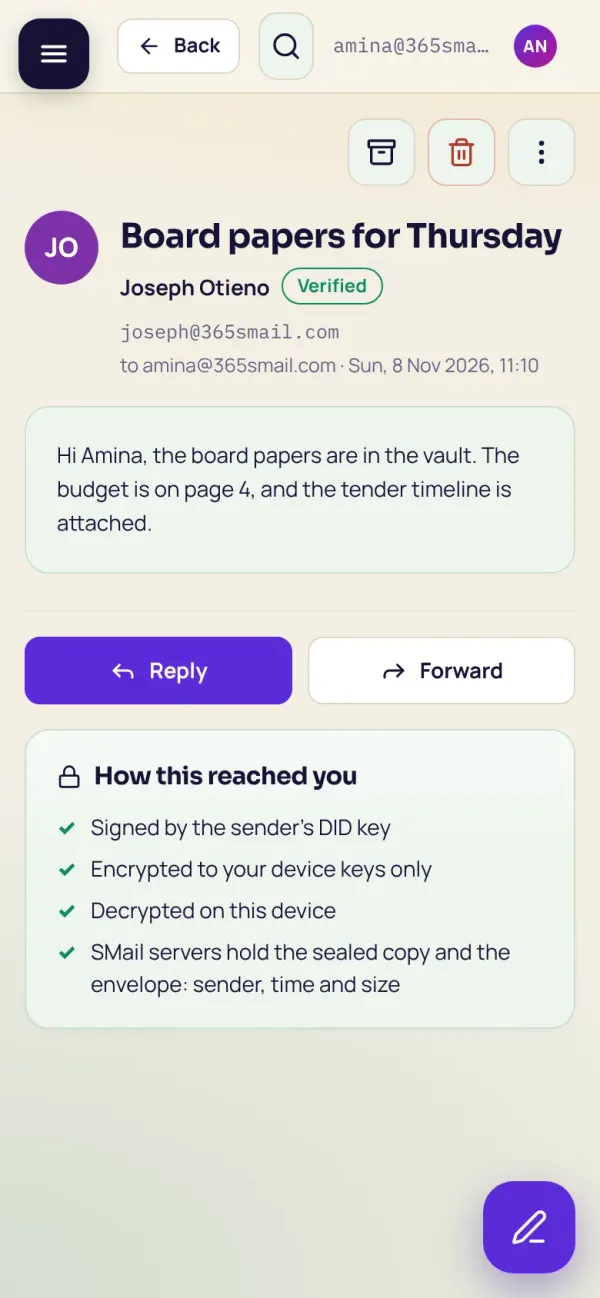
How this reached you
Signed by the sender's key, sealed to your devices, opened on this one. SMail's servers hold only the sealed copy.
 SMailSSI TrustChain
Sovereign mail at 365smail.com. Every sender is a real, KYC-verified person, every message is sealed on the sender's device and signed, and SMail's servers keep only ciphertext. No passwords: you sign in with your wallet.
What it does
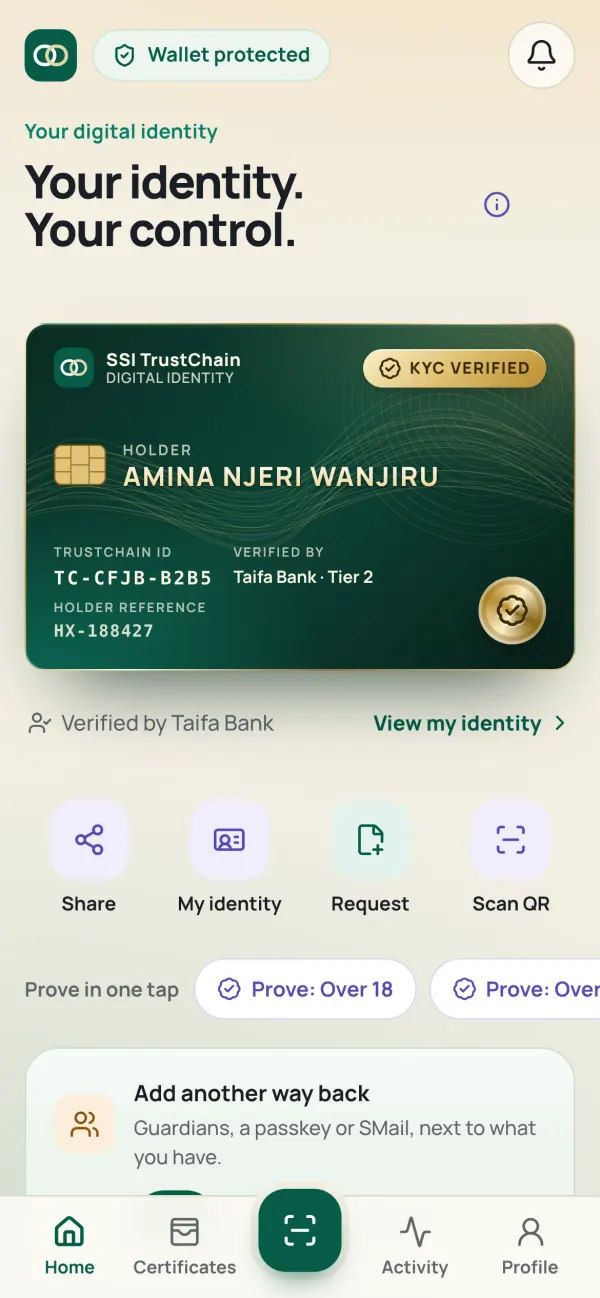
An SMail account needs a KYC-verified wallet, one account per person. "Verified" next to a name means it, and phishing from look-alike strangers has nowhere to start.
Messages, attachments and drafts are encrypted on your device to each recipient's devices and mailbox key, and signed by your device. The server routes ciphertext.
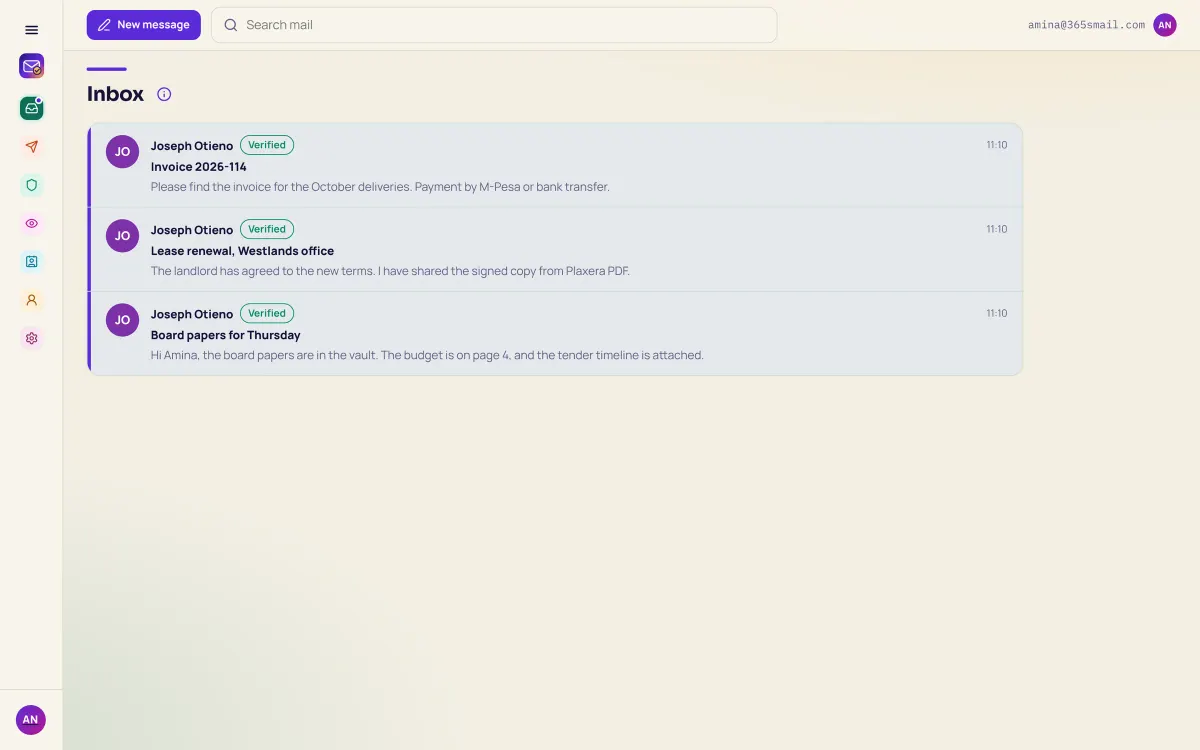
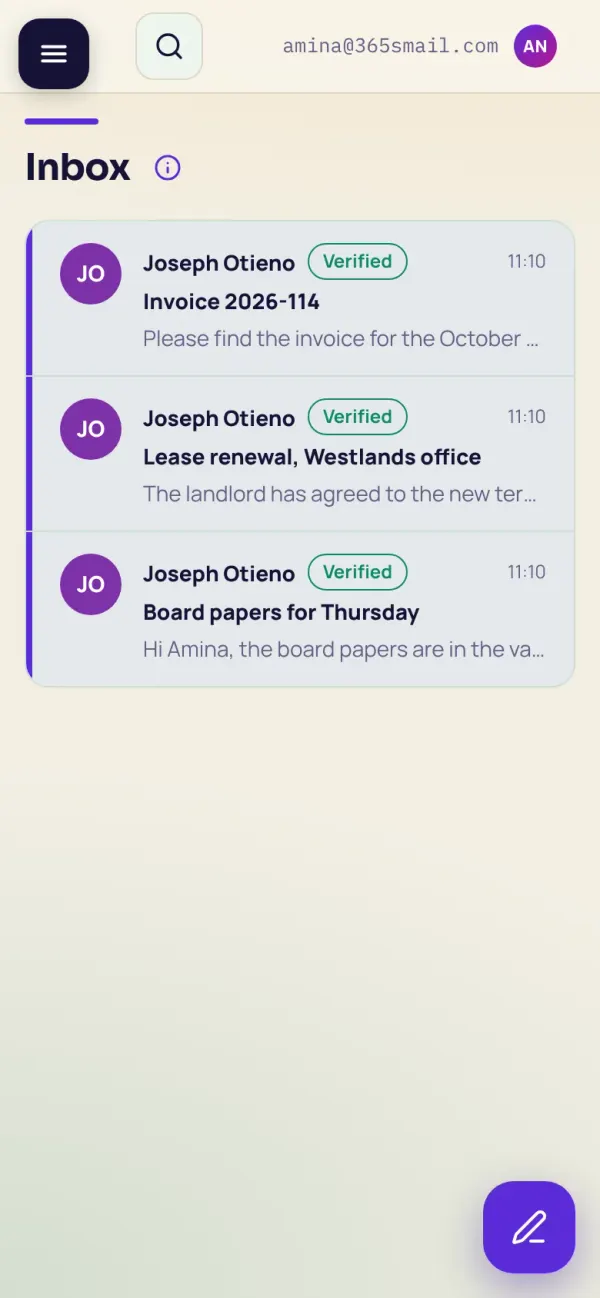
Strangers land in New verified contacts, not your inbox. Block, allow and badge-gated policies route mail before you ever see it.
Write to someone off SMail: they get a link that opens with four words you send by WhatsApp or SMS in the same tap. The key exists only in the link.
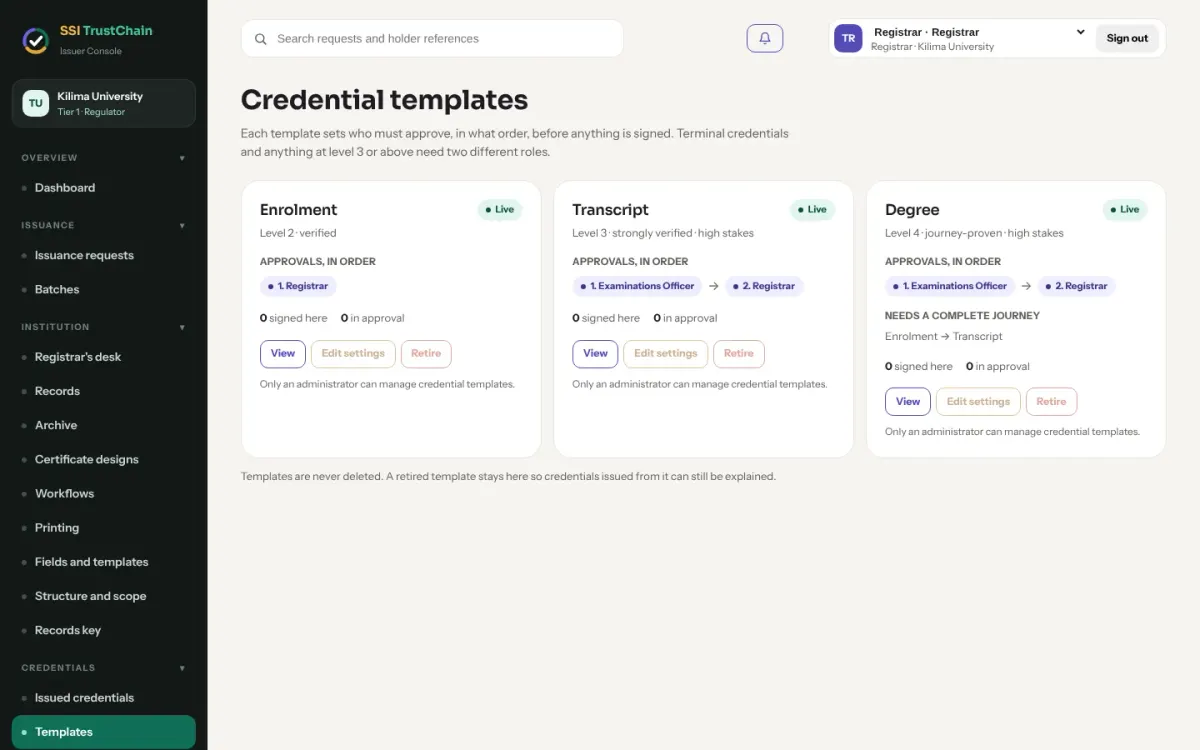
Show a credential as a badge to join your organisation. Officers set policy, retention and legal holds two at a time, and never read content; escrow needs officers together.
Gmail-style search runs only on your device, over an index sealed with your browser's own key. Queries never leave it.
Web, Android and iOS. Your mailbox key arrives with each sign-in, so every device opens all your mail at once. Passkeys and fingerprint for 30 days at a time.
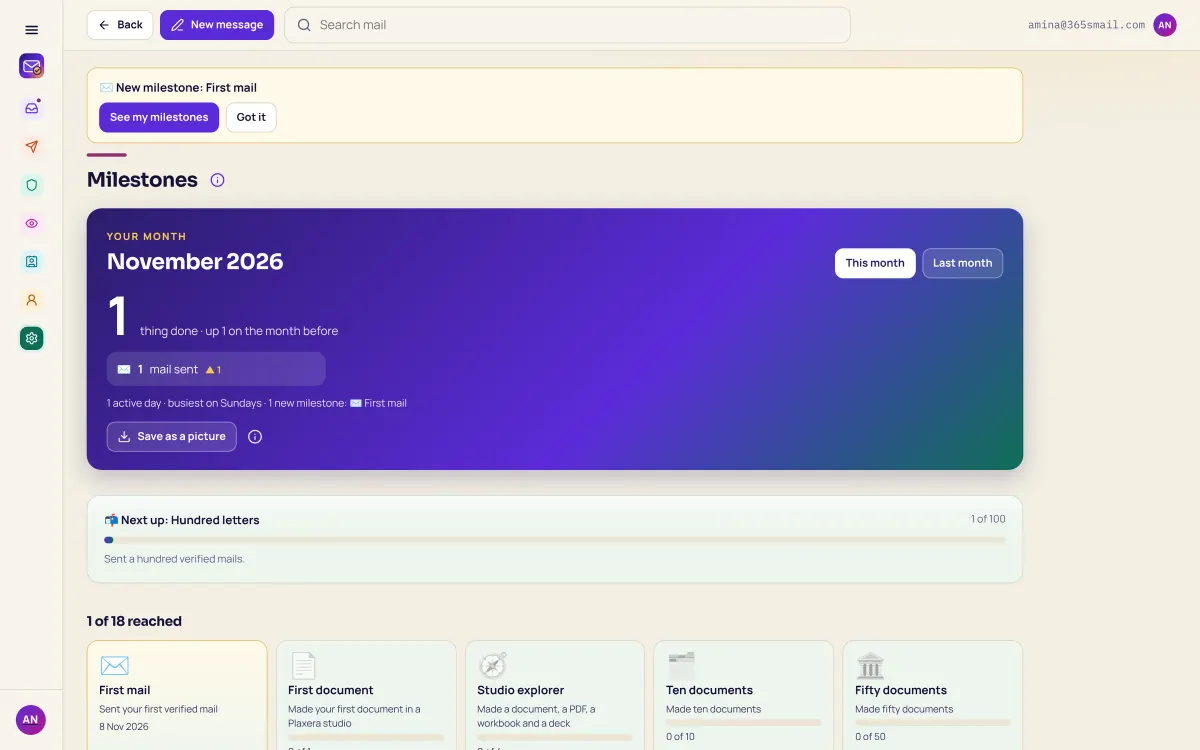
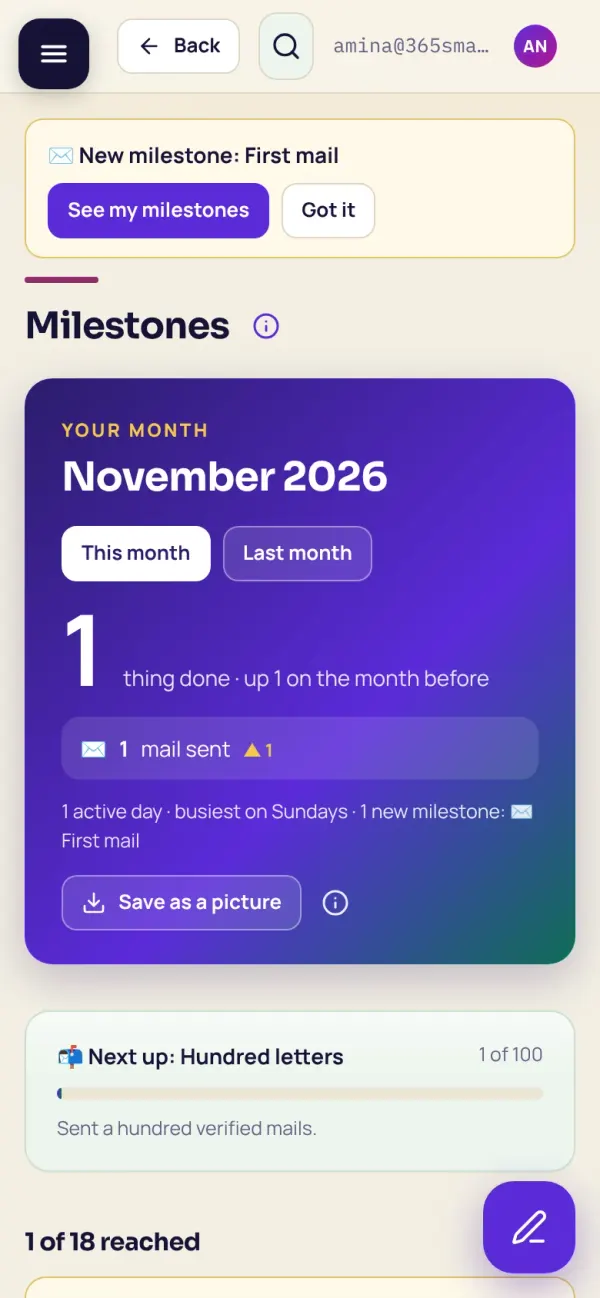
Small wins (your first mail, first signature, a hundred letters) and a monthly recap you can save as a picture. For you alone, never ranked.
See it
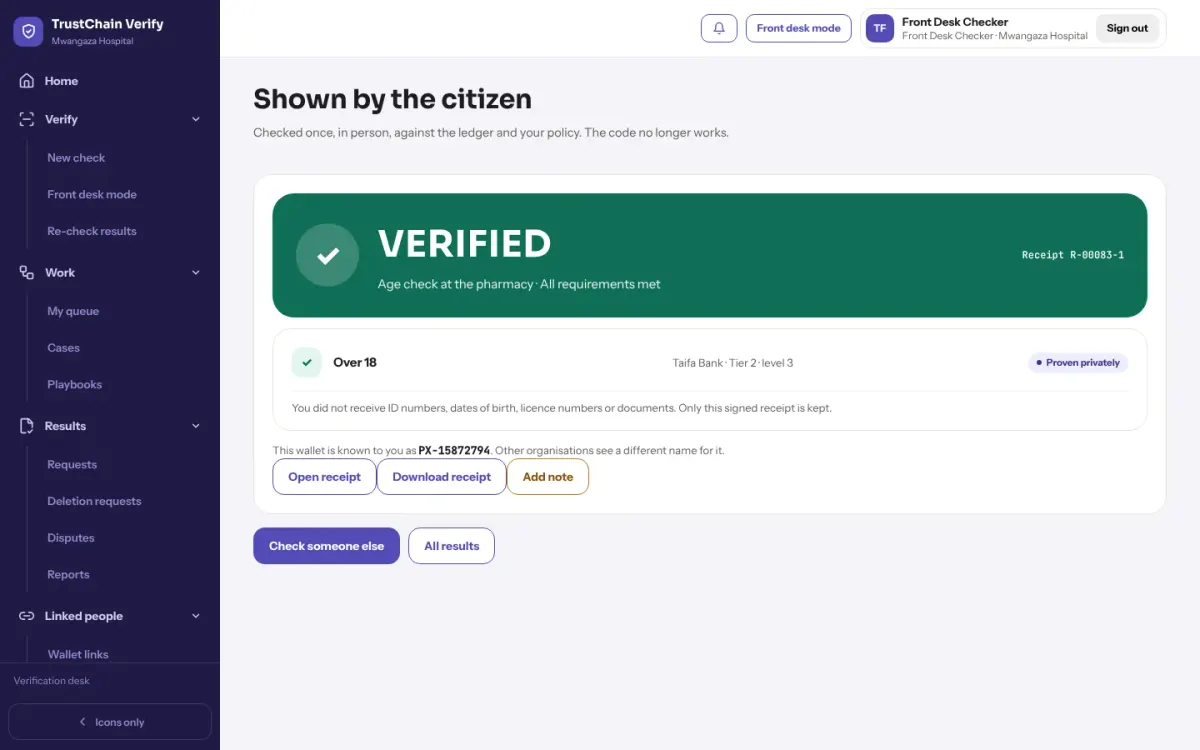
Real screens from the app, with invented sample names and figures.
Signed by the sender's key, sealed to your devices, opened on this one. SMail's servers hold only the sealed copy.
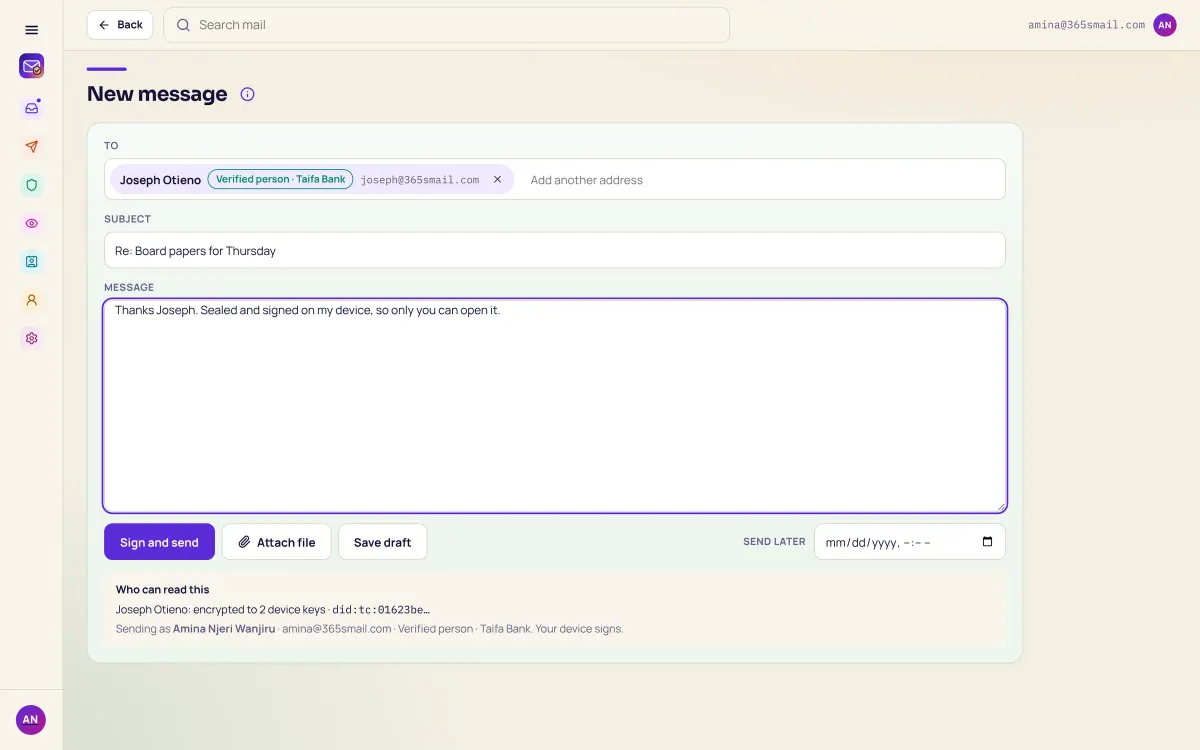
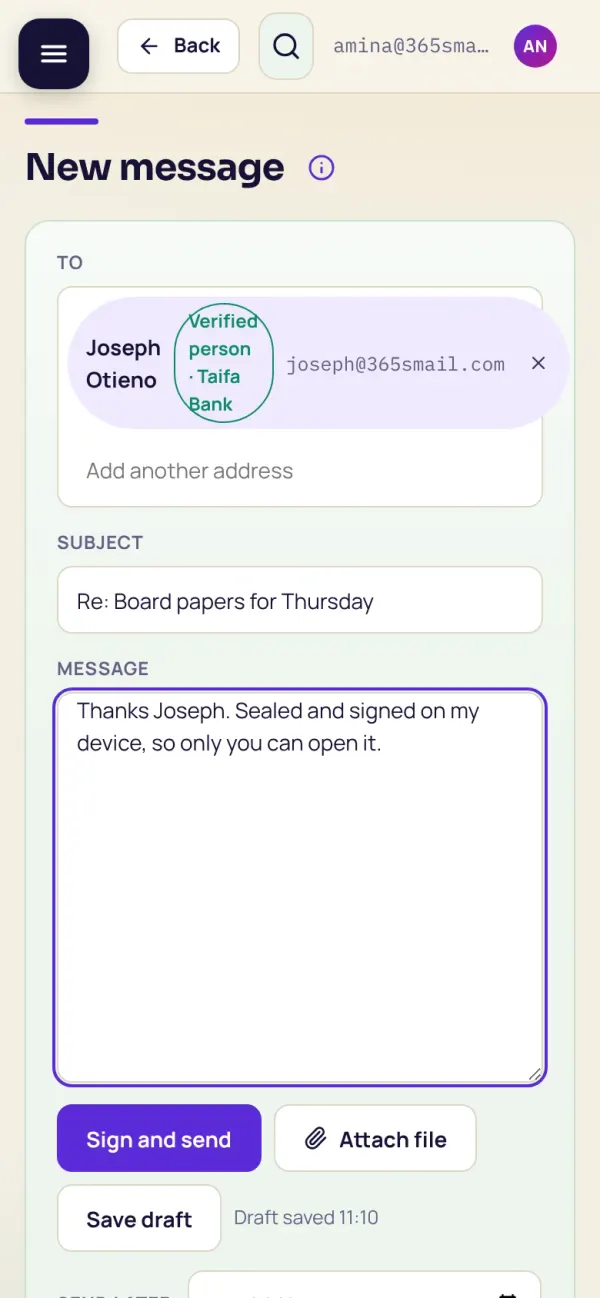
The person you write to is shown with who verified them, and the message is sealed to their devices only.
How the trust works
A presentation to SMail's own verifier: no password exists to steal.
Each message encrypted to the recipients' keys, then signed.
The recipient's trust policy decides where it lands.
Only their devices hold the keys to read it.
Also in SMail
A quiet reward for real work: eighteen milestones across SMail, the Plaxera studios and Space, worked out from what TrustChain already records (kinds and times, never a word or a name), and a monthly recap in counts. Only you see it.
What you achieve
One identity
Sign in once with your verified wallet. What you seal in one app opens in the others, on every device you use.
Yes: as a secure link opened with four words, or, once you switch it on, as plain text email (confirmed, 20 a day).
No. It is sealed on your device to your recipients' keys and your mailbox key. SMail keeps display names, addresses, public keys and ciphertext.
In one hosted location in AWS eu-north-1. Your export is built on your device.
We are onboarding the first institutions and organisations. Tell us what you issue or check today.