How Plaxera PDF proves which file was signed
One fingerprint for each page and one for the exact file: how a proof page can tell you whether a PDF is the very one signed, or which of its pages carry the proven words.
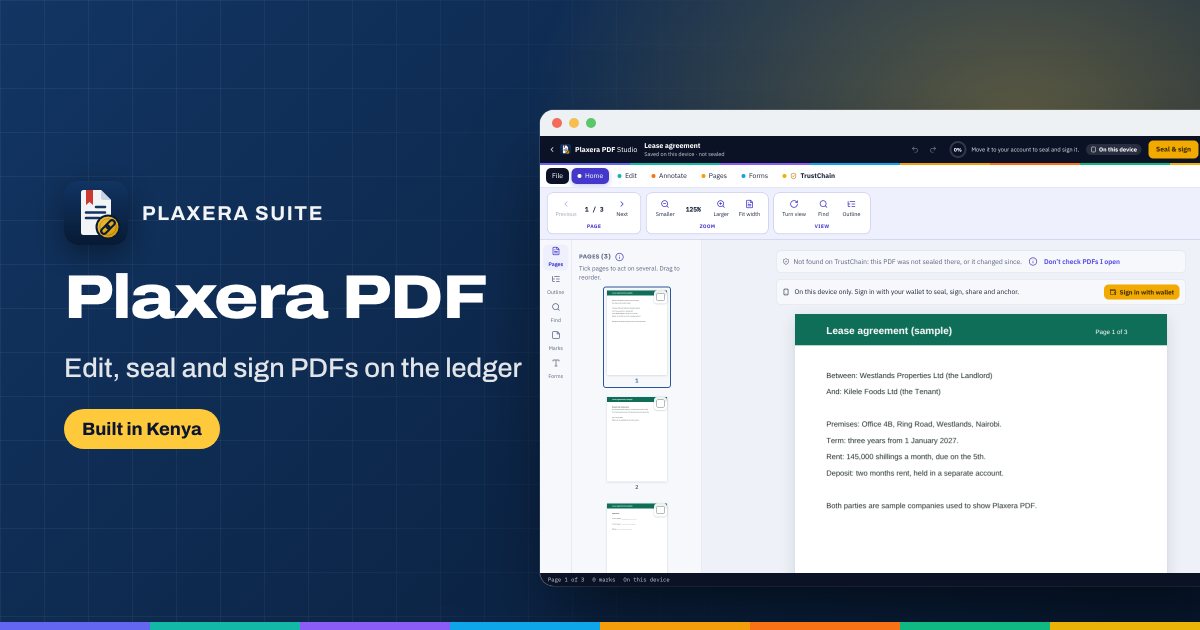
"Is this the version we signed?" is one of the most expensive questions in business. Plaxera PDF answers it page by page.
Fingerprints, not copies
When a PDF is sealed, Plaxera PDF works out one fingerprint for each page, over the page's words, and one for the exact file. The server keeps these fingerprints and the signatures, never the PDF itself, which stays sealed to the people it was shared with.
That gives three answers a proof page can give about any copy:
- The very file. Byte for byte the PDF that was signed.
- A signed copy. The proven PDF with the signatures drawn in and a certificate page added.
- Same words. Some pages carry exactly the proven words, even if the file was re-saved or printed to PDF again.
Signing with places
The owner puts signature places on the pages, each for one signer, and starts a round. Each person signs once in their wallet, over the fingerprint, and that one signature fills all their places. When the last person signs, the fingerprint is anchored on the ledger.
The check on open
Open any PDF in Plaxera PDF and it is looked up by its fingerprints only, never its words: the very file or a signed copy, signed by how many, anchored when. You can switch the check off.
Redaction that removes
A black box drawn over words hides nothing; the words are still in the file. Plaxera PDF redraws each redacted page as a picture, so the words are gone.
The record
Mark a PDF final, or withdraw it with a reason. Export an evidence pack with the audit trail and a statement signed by the ledger key. Nothing is ever quietly changed.