A studio that feels familiar
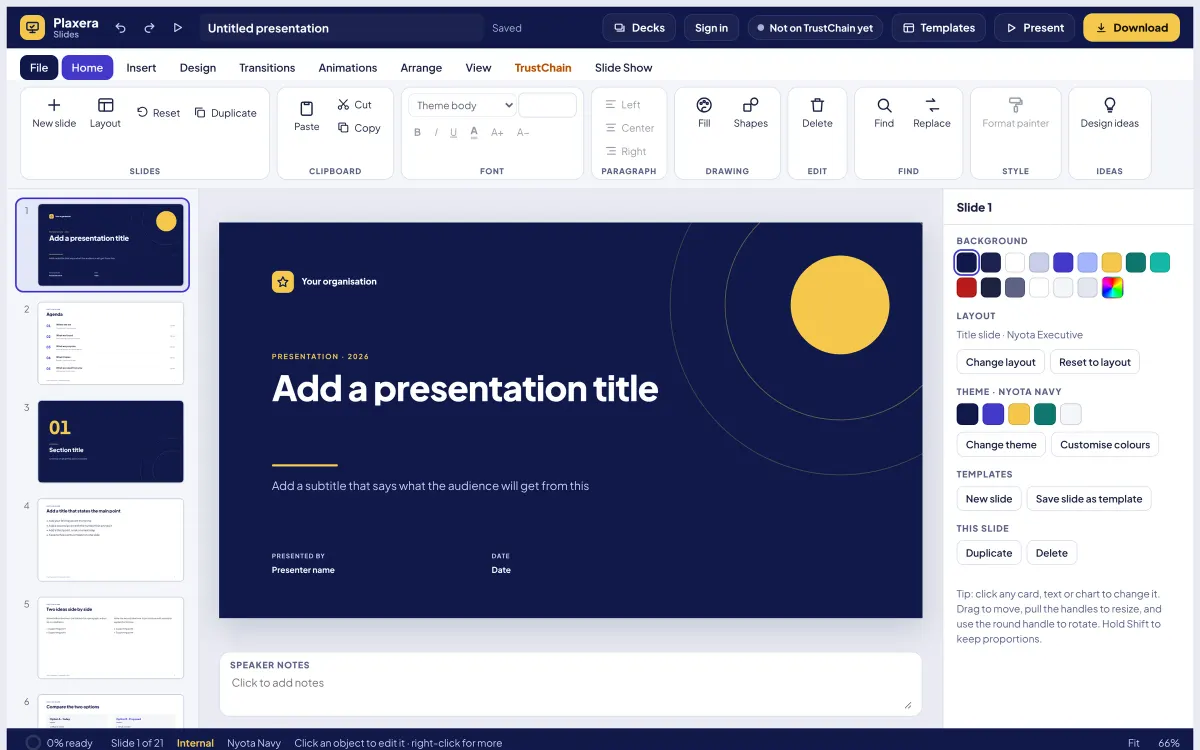
Slides, layouts, themes and notes, with TrustChain on its own tab.
 Plaxera SlidesPlaxera suite · runs on SSI TrustChain
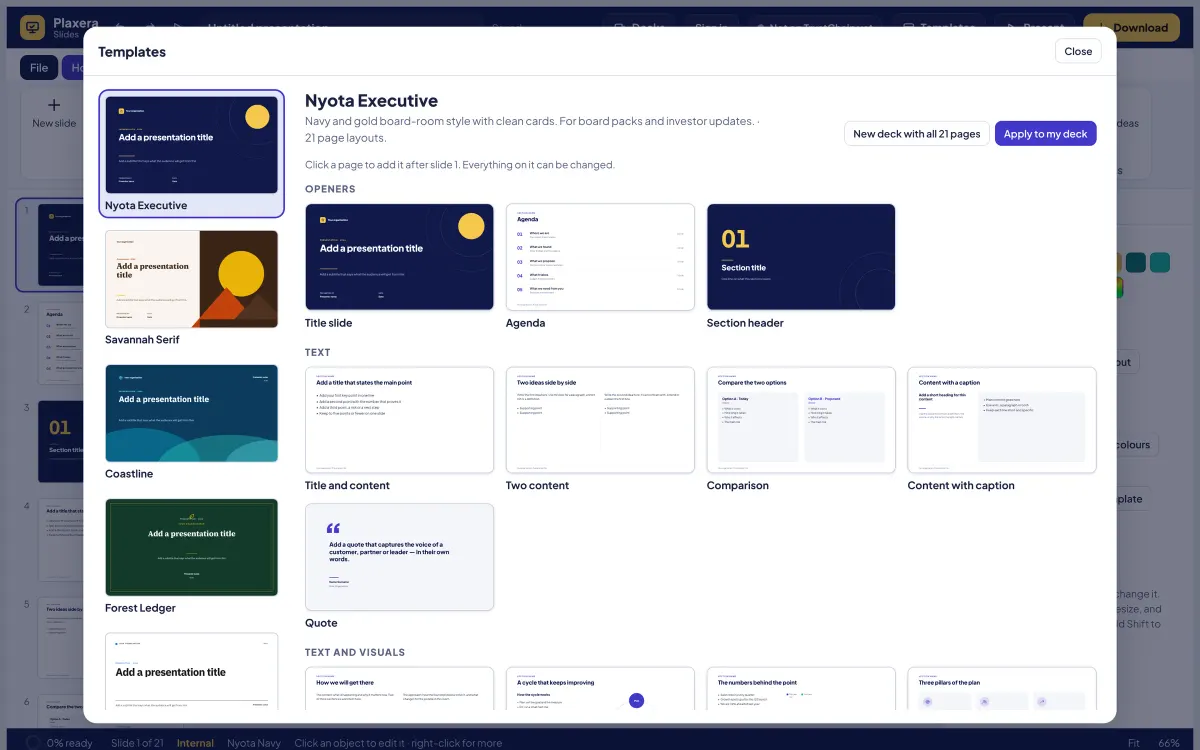
Twenty-four templates, transitions and animations, a presenter view and a rehearsal coach, with TrustChain built in: seal a deck, have it signed, make slides only named people can open, and present live to an audience whose browsers check each slide against the deck's proof.
What it does
Every template with all 21 layouts, including seasonal packs: Harambee for national days, Festive Season, Graduation Season and Fresh Start, shown first when in season.
Transitions, animations, groups, the format painter, find and replace, 36 extra icons, picture adjustments, the slide sorter, design ideas, an instant deck from an outline and a readiness ring that reaches 100%.
Go live with a link and QR code. Each viewer's browser checks every slide against the deck's public proof; verified people ask questions and vote; reactions float for everyone.
Seal one slide with its own key for named people only; everyone else, and every export, sees a locked slide.
Ask someone to approve a slide as saved; it shows broken if changed. Pick a proven number from Plaxera Sheets and the slide knows when the workbook has newer values.
Times each slide against a target from your notes and, if you switch the microphone on, measures speaking time from sound levels only. No recording, no speech service.
Editors and readers by SMail address, who is on which slide, changes applied live, comments on slides and a slide held while someone edits it.
Download as PowerPoint or a deck file, made in your browser.
See it
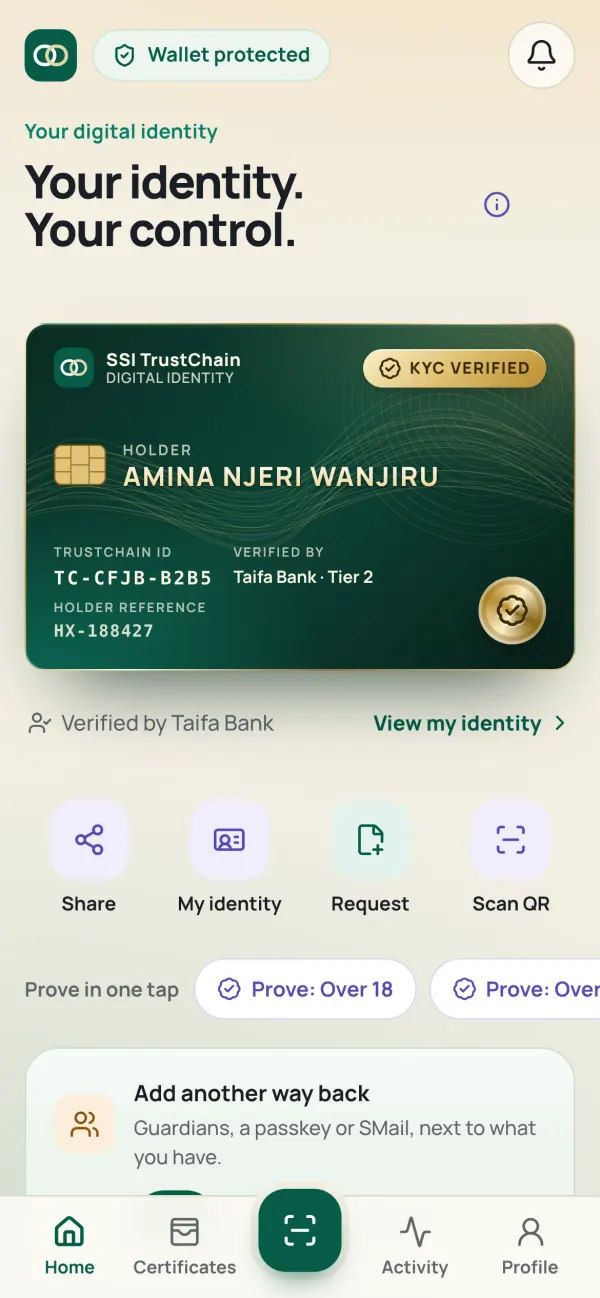
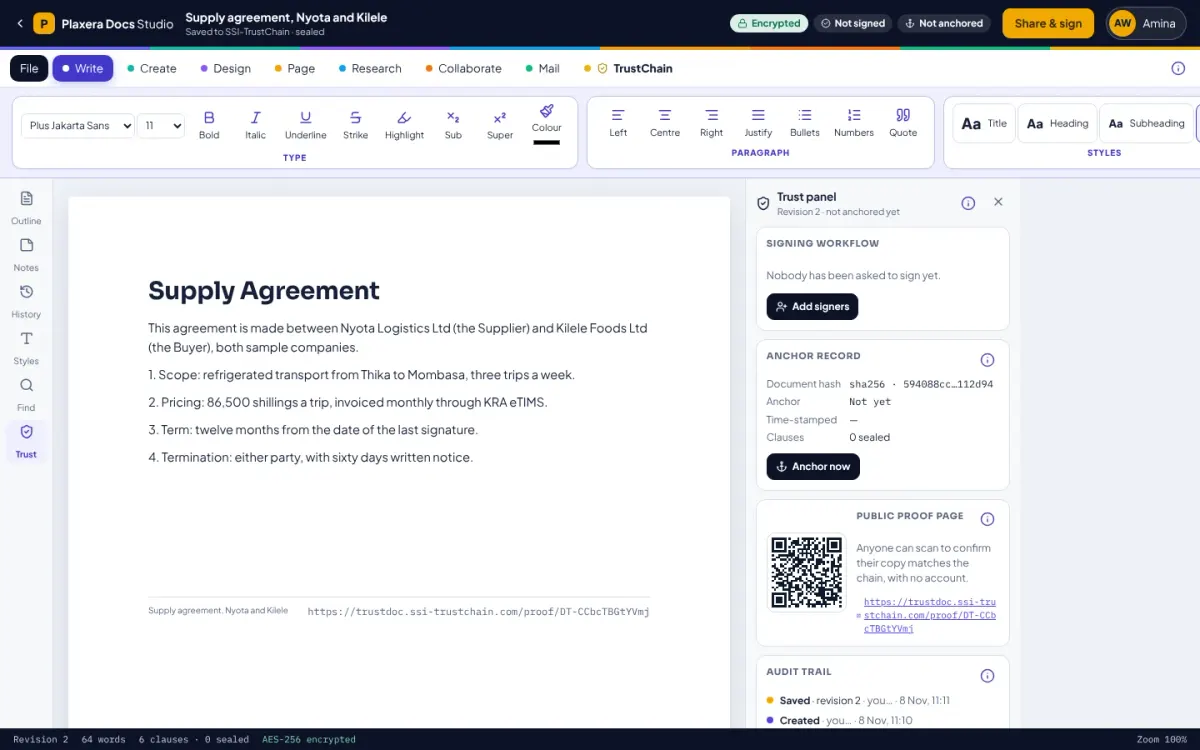
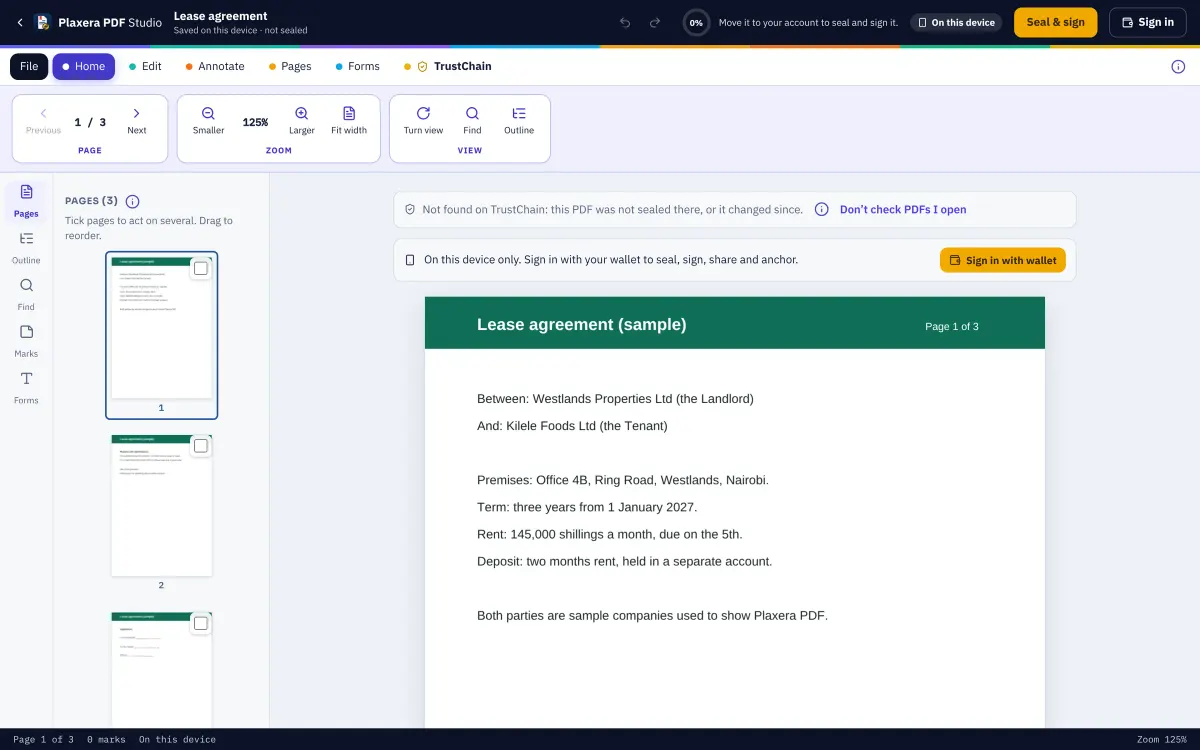
Real screens from the app, with invented sample names and figures.
Slides, layouts, themes and notes, with TrustChain on its own tab.
How the trust works
What you write is encrypted in your browser before it leaves it, to your devices, your mailbox key and the people you share with. TrustChain keeps ciphertext it cannot open.
A signature is made by the key on your phone, after your PIN or fingerprint. It is tied to your verified identity, never to a drawn squiggle anyone can copy.
Each document has fingerprints, one for each part. When the last person signs, the fingerprint is anchored on the TrustChain ledger, which is sealed every few seconds and timestamped daily in Bitcoin.
The public proof page shows the fingerprints, who signed (by their identifier, never their name) and when it was anchored. Anyone can check a copy in their own browser, without an account.
What you achieve
One identity
Sign in once with your verified wallet. What you seal in one app opens in the others, on every device you use.
Decks are kept on your device without an account; signing in keeps them sealed on your account too.
No. Everyone, the presenter too, sees "Attendee n", never who.
Start on your device in seconds. Bring your verified wallet when you want to seal, sign or share.