


 Plaxera PDFPlaxera suite · runs on SSI TrustChain
The PDF editor that proves what was signed
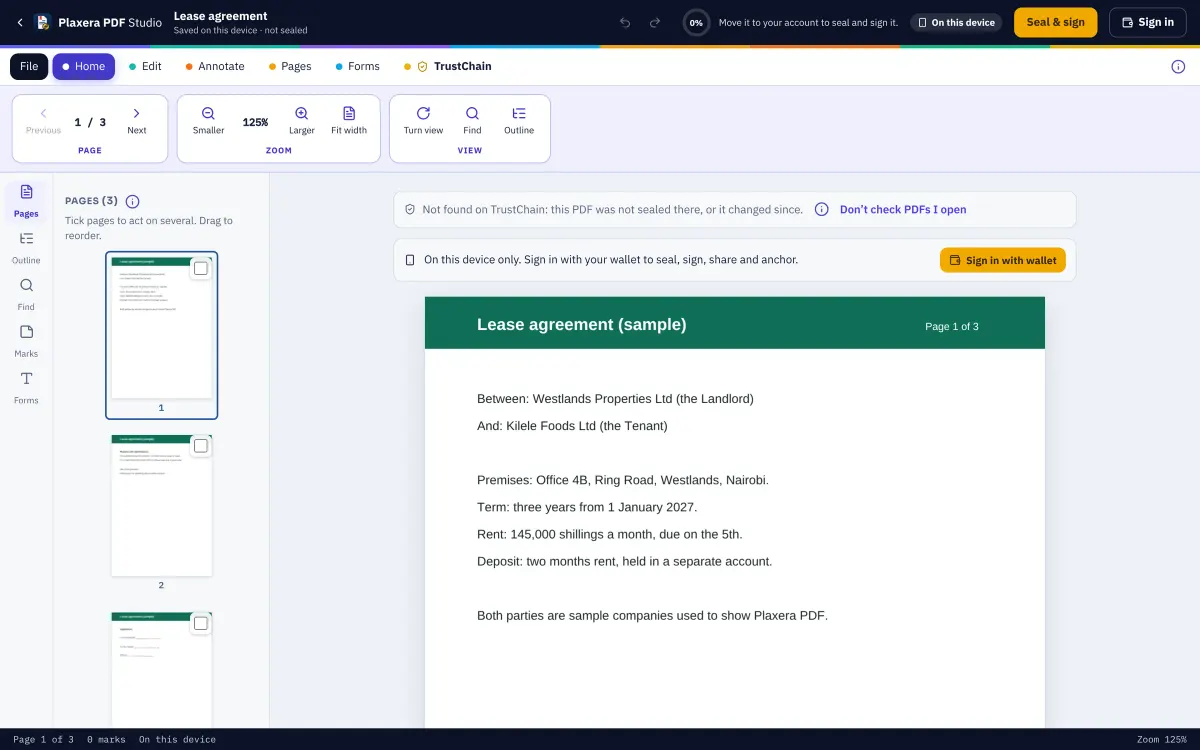
Open, read, edit, annotate, fill, redact and organise PDFs, then seal and sign them with verified people's wallets. Every page has its own fingerprint, so a proof page can say whether a file is the very one signed, or which pages carry the proven words.
- Sealed on your device
- Signed with your wallet
- Proven on the ledger
What it does
Everything in Plaxera PDF
Edit and annotate
Edit text, add text and images, highlight, underline, draw, stamp and comment; fill a PDF's own form; undo and redo everything while it is open.
Real redaction
Redacted pages are redrawn as pictures, so the hidden words are gone from the file, not just covered with a box.
Pages
Add, duplicate, turn, move, delete, insert another PDF, extract or split. Every change builds a fresh file with nothing of a removed page left inside.
Signature places
Put places for signatures, initials, dates and names on the pages, each for one signer. Their wallet signature fills them all, and a signed copy carries a certificate page with a QR code.
Sealed areas and gates
Seal one box on a page on its own, or cut out a gated area that opens only for someone holding a credential, such as a practising licence.
The check on open
Open any PDF and it is looked up by its fingerprints only: the very file, a signed copy, signed by how many, anchored when.
The record
Mark a PDF final or withdraw it with a reason, hand a signing turn to someone else, and export an evidence pack with the audit trail and a statement signed by the ledger key.
Web, Android and desktop
The same studio in the browser, on Android ("Open with Plaxera PDF") and on Windows, macOS and Linux. Folders on your computer, the SMail vault, Google Drive and OneDrive.
How the trust works
Private by design. Provable by anyone.
- 1
Sealed on your device
What you write is encrypted in your browser before it leaves it, to your devices, your mailbox key and the people you share with. TrustChain keeps ciphertext it cannot open.
- 2
Signed with your wallet
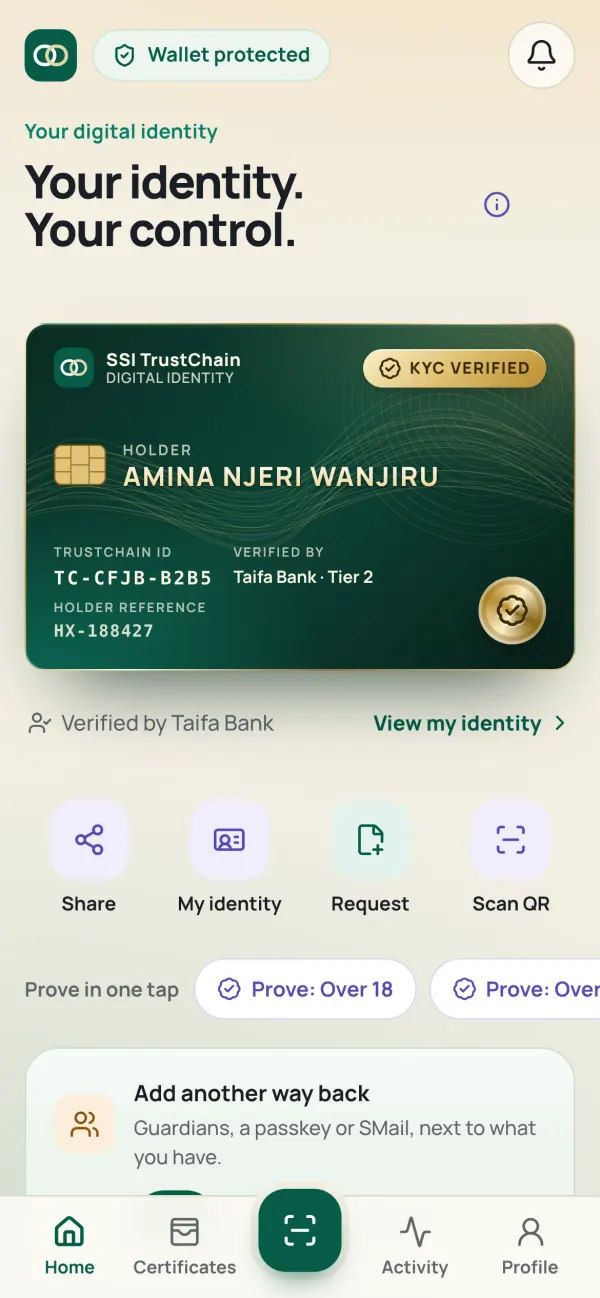
A signature is made by the key on your phone, after your PIN or fingerprint. It is tied to your verified identity, never to a drawn squiggle anyone can copy.
- 3
Proven on the ledger
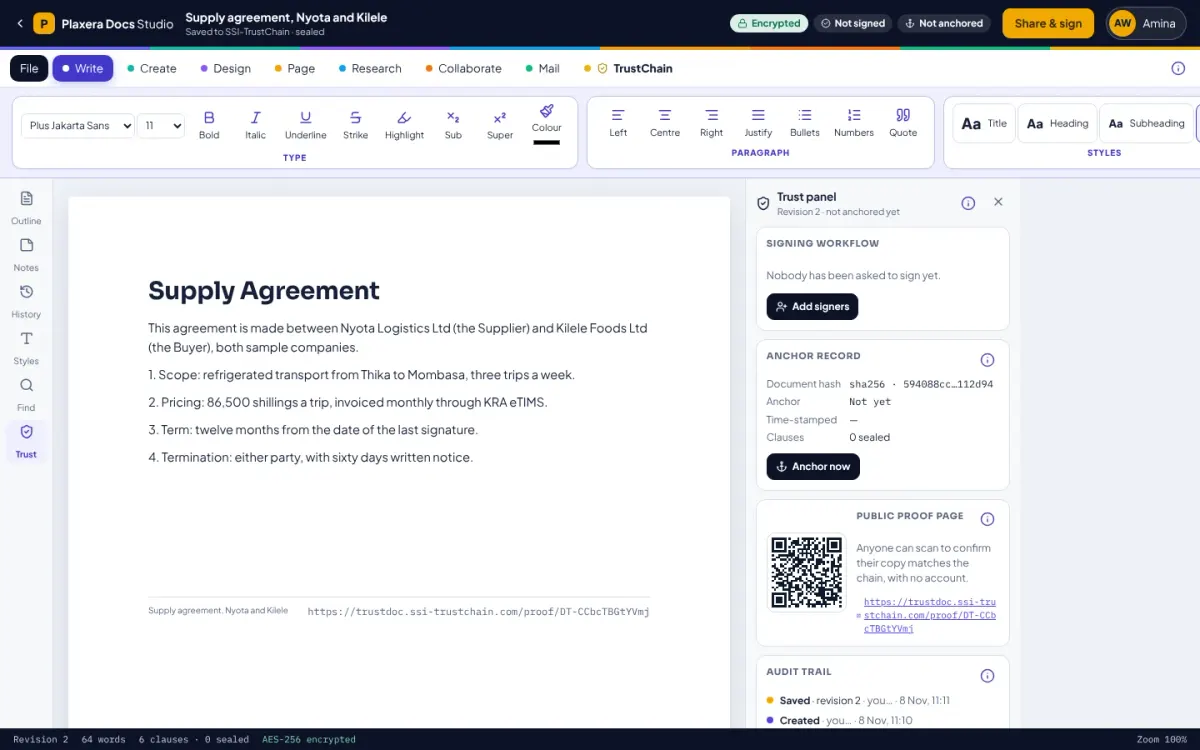
Each document has fingerprints, one for each part. When the last person signs, the fingerprint is anchored on the TrustChain ledger, which is sealed every few seconds and timestamped daily in Bitcoin.
- 4
Checked by anyone
The public proof page shows the fingerprints, who signed (by their identifier, never their name) and when it was anchored. Anyone can check a copy in their own browser, without an account.
What you achieve
From the old way to the verified way
- Print, sign, scan, emailSigned from a phone, proven on the ledger
- Black boxes that hide nothingRedaction that removes the words
- "Is this the version we signed?"A page-by-page answer from the proof
Made for
- Legal and compliance
- Procurement and tenders
- Property and leases
- Banks and SACCOs
- Universities
- Anyone who signs PDFs
One identity
Works with the rest
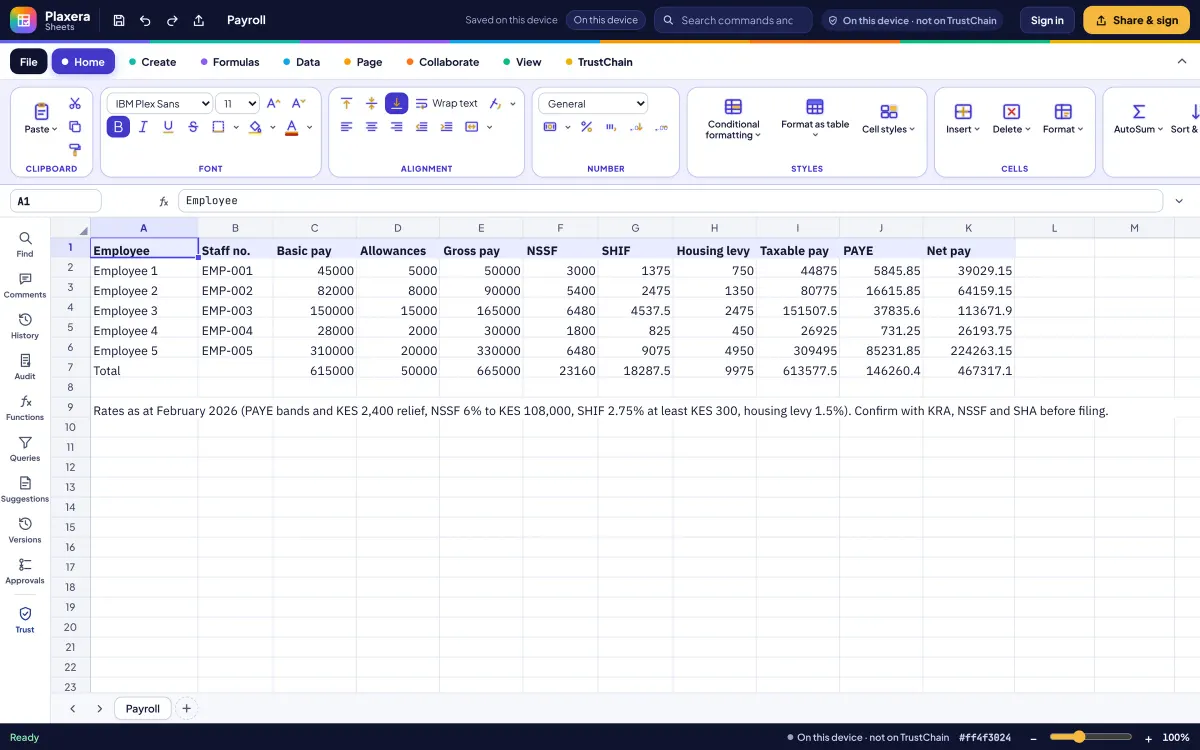
Sign in once with your verified wallet. What you seal in one app opens in the others, on every device you use.
Questions
Do I need an account?
No. Open and edit on your device. Sealing, signing, sharing and the proof ask for your wallet, then move the PDF to your account.
Does it run scripts in PDFs?
No. pdf.js runs with scripting, eval and XFA off. Inspect shows what a file contains.
Can I password-protect a PDF?
Yes: AES-256 with qpdf compiled to WebAssembly, on your device. You can also make a PDF/A archive copy and remove hidden information.
Try Plaxera PDF
Start on your device in seconds. Bring your verified wallet when you want to seal, sign or share.